Strategically Connecting UX Writing and Help Content to Fast-Track Chrome Users

By strategically connecting UX writing and help content, Google guides the user and helps to reduce both customer churn and the cost of having many support agents.
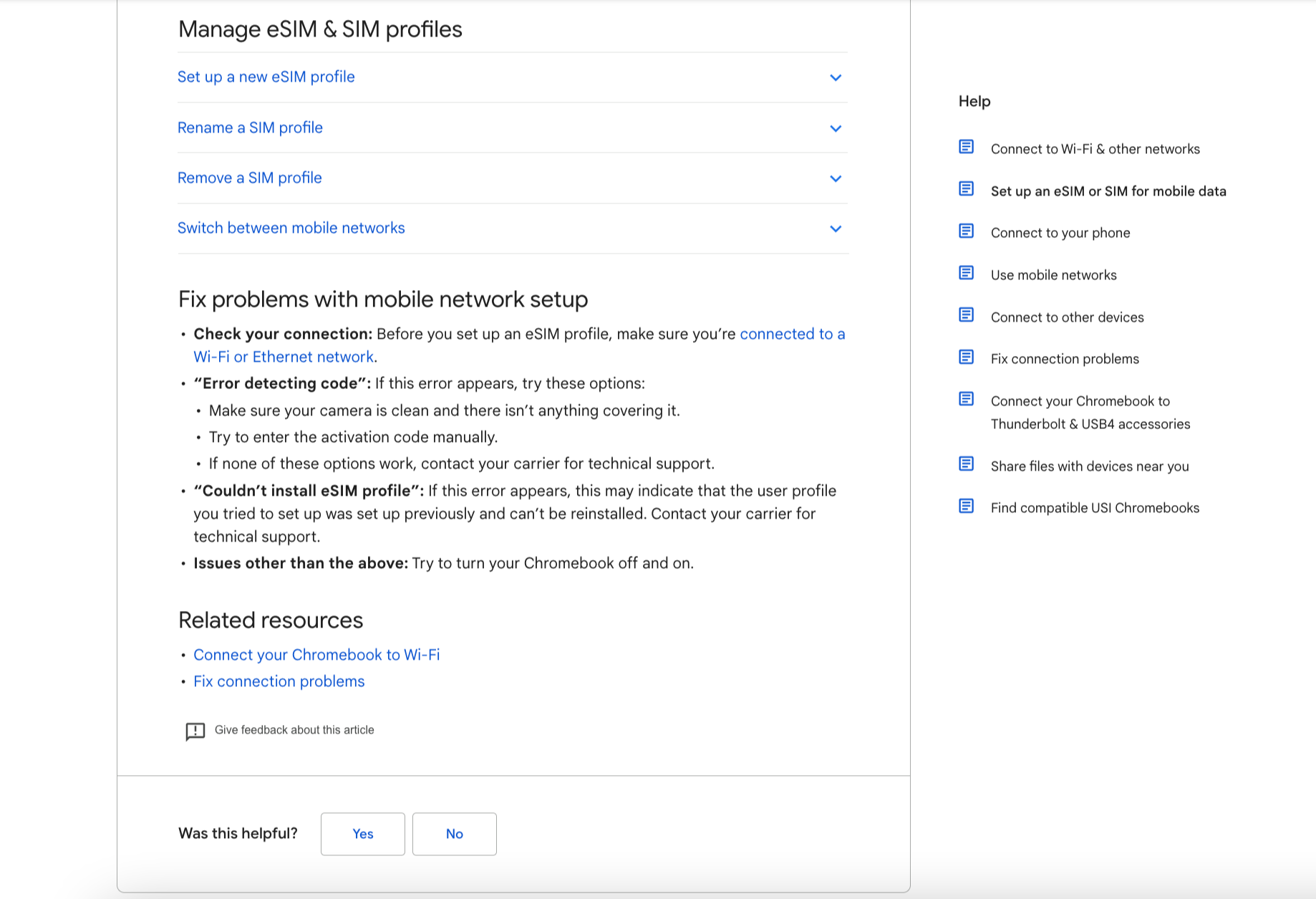
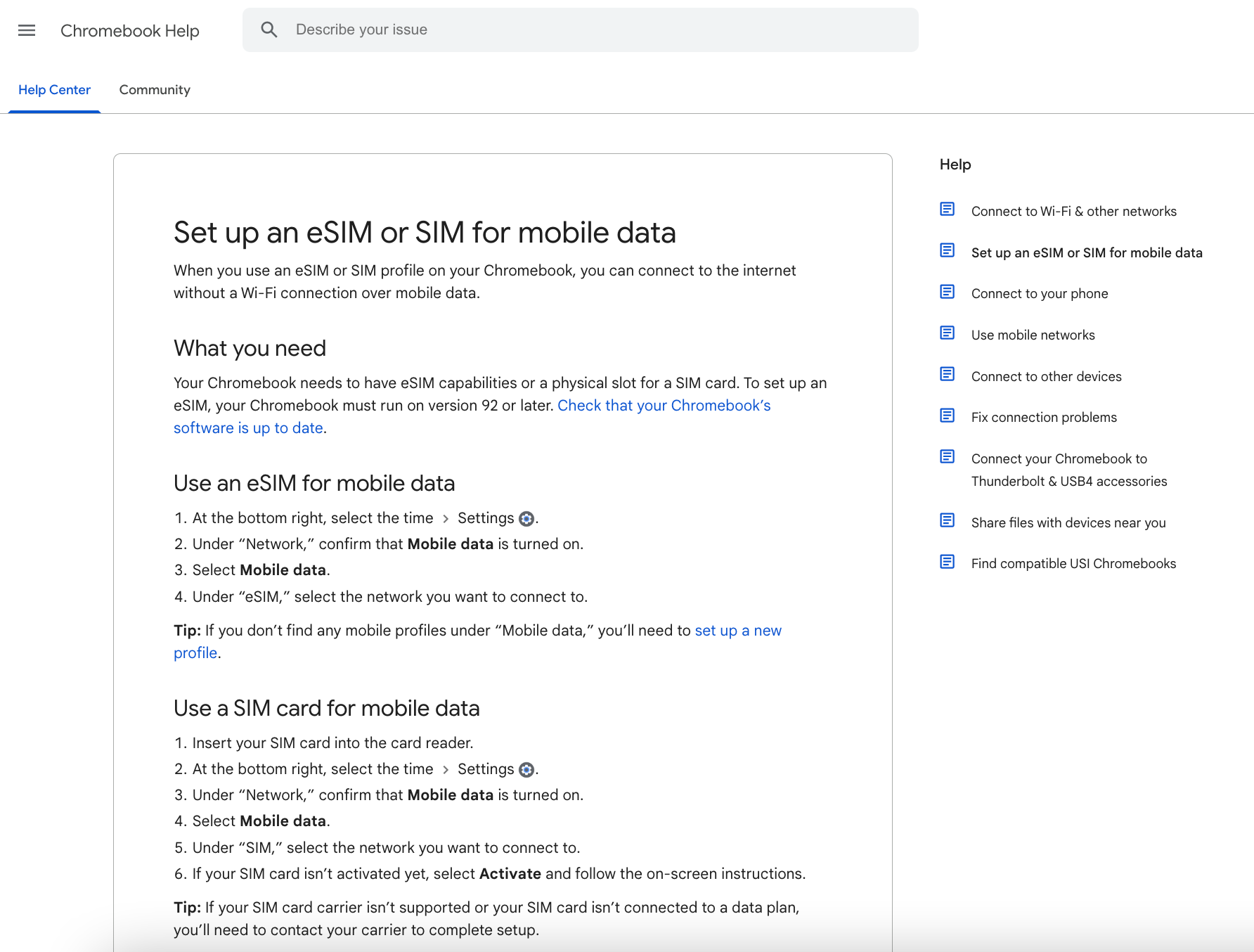
In this use case I was tasked with creating step-by-step guidance to help users upload an eSim profile to their Chromebook. With the end goal of fast-tracking education-sector users.
THE NEED
- A comprehensive guide to help Education-sector Chromebook users seamlessly upload an eSim profile, allowing them to work off-line without WiFi.
- Provide helpful tips & productivity guidance on eSim capabilities, making it easier for users to discover business use cases and solutions available with their Chromebook.
- A new compact guide format highlighting Quick Tips for accessing mobile data, based on a theme, then offering basic steps you need to succeed right now.
- Promote “Learn more at product Help Centers,” so when users need a dive deeper, they can locate more details with just a click.
- Quickly find related help options, troubleshooting, and other details, by clicking a "Learn more" link to an individual product Help Center.
THE SOLUTION
- Simplicity: Keeping things as simple as possible, by breaking down the complexities around eSim and mobile data into steps. Other times, it means choosing simple words to convey a message.
- Clarity: Making sure users understand the message, by adding a visual guide or explanation when necessary, and using wording that people can understand, removing any technical jargon that might cause confusion.
- Brevity: Choose words for length or write microcopy so it can fit within the Help Center design.
- Accessibility: Allow as many people as possible to use our product, by writing text to enhance the experience of users that may use our product differently.
- Inclusivity: All Chromebook users need to feel welcomed, by us using respectful language to address issues such as gender, age, and knowledge-gaps in a way that feels welcoming.
THE SOLUTION JOURNEY
Step One: Document a Clear Self-Help Journey
A self-help journey is the path user’s take to finish a specific task – in this case upload eSim/Sim profile to Chromebook. Therefore, I have made sure I identified and included each step in the user self-help journey, from the starting point to the endpoint for the user to accomplish the task. Steps in that journey that include the tools they will need, all use cases and potential unhappy paths.
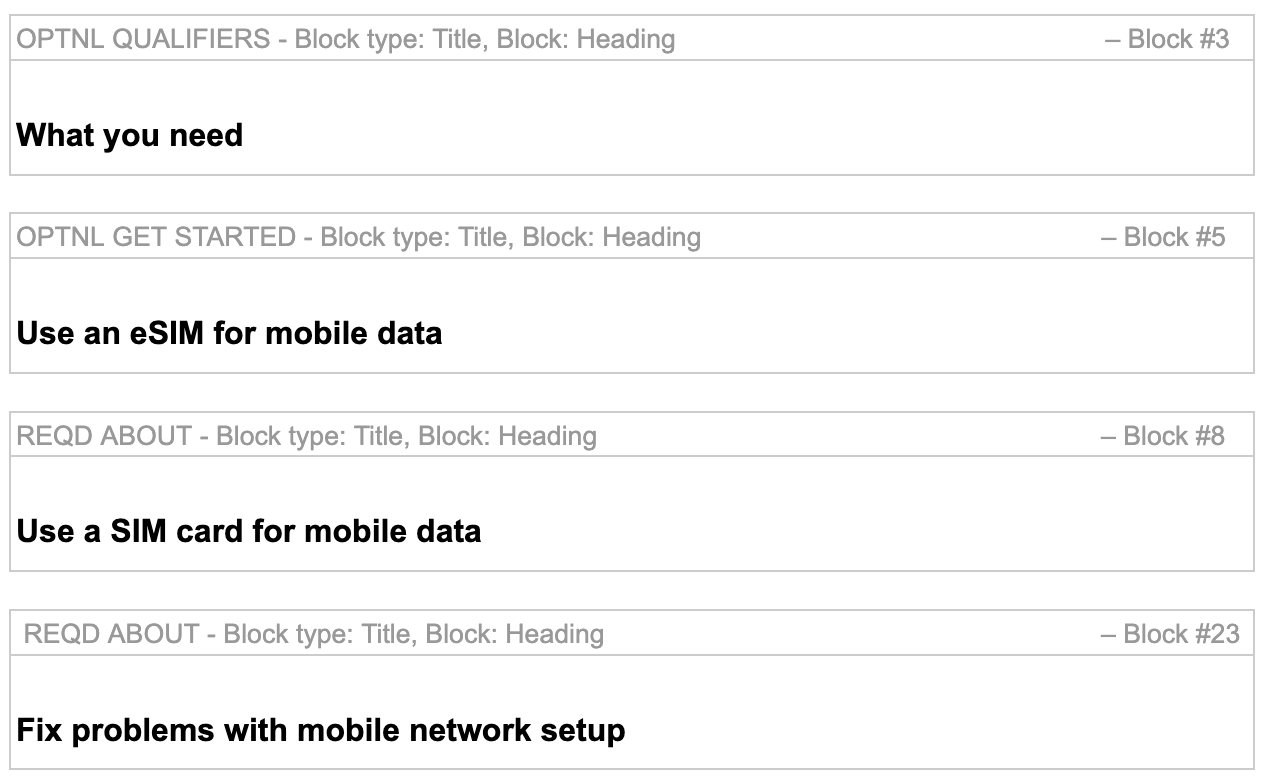
Step two: Shorten the Learning Path
A good self-help user experience is measured by the number of steps needed to complete a task. Therefore, how to shorten the learning path is a necessary consideration when creating UX copy. The first step to accomplishing this is by mapping out the user journey step-by-step and identifying where a step can be eliminated (usually by consulting with the Engineering or Product teams).
Attention is a scarce commodity. We need to create a sense of completion and achievement and keep activities to a minimum with no more than 4-5 steps within each activity.
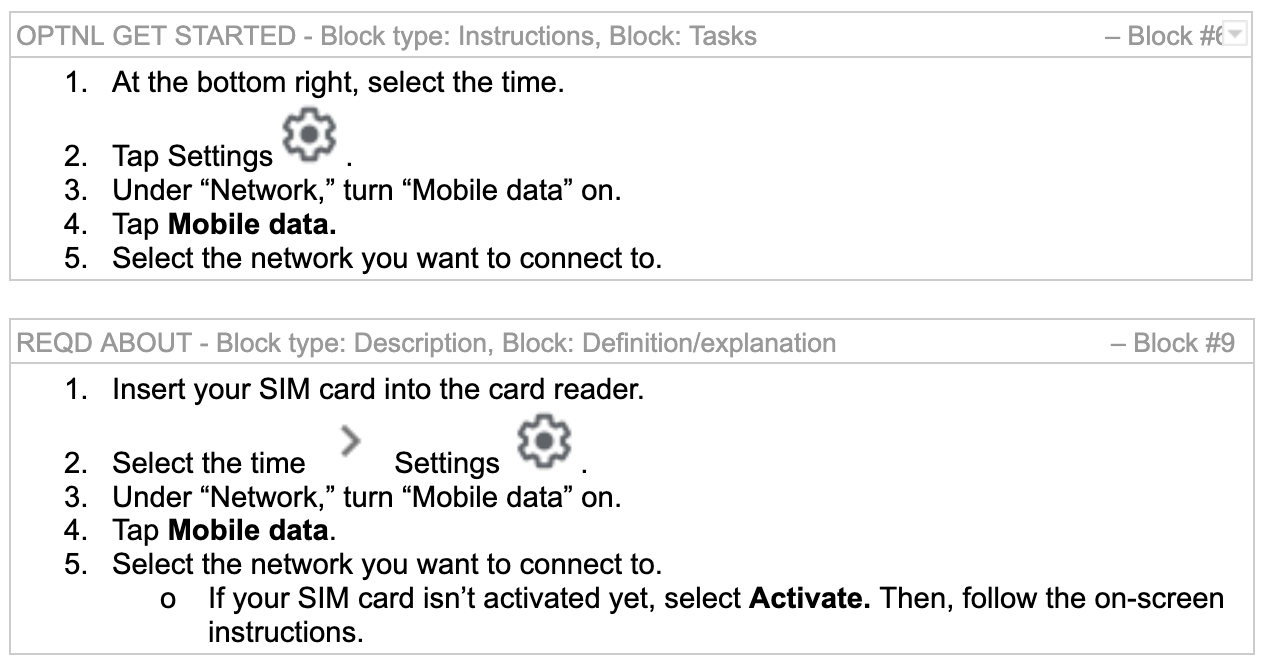
Step Three: Use Positive Trigger Words to Drive Action
Positive trigger words aren’t just for UI. In fact, there’s no better time to utilize positive trigger words when it matters most - during a Customer’s effort to self-guide a solution. I made sure to harness trigger words in the step-by-step guidance to boost the chances of successful user engagement with the help text.
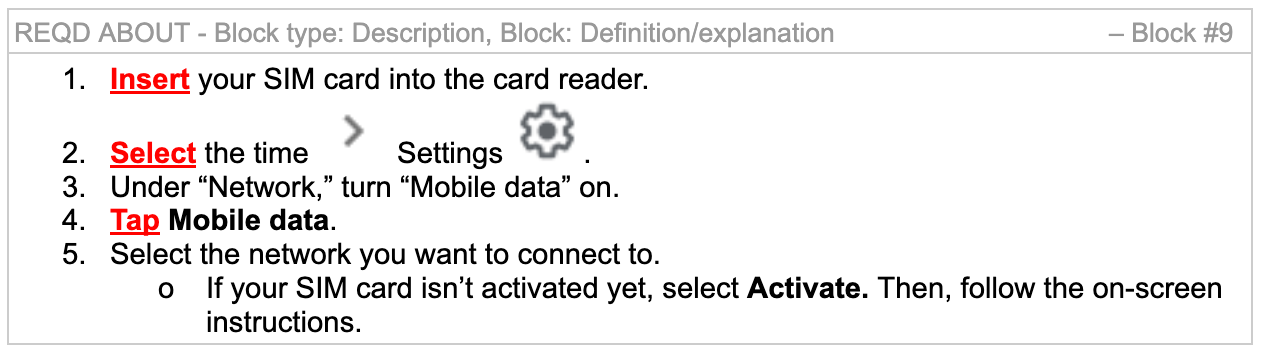
Step Four: Offer Interactive Content
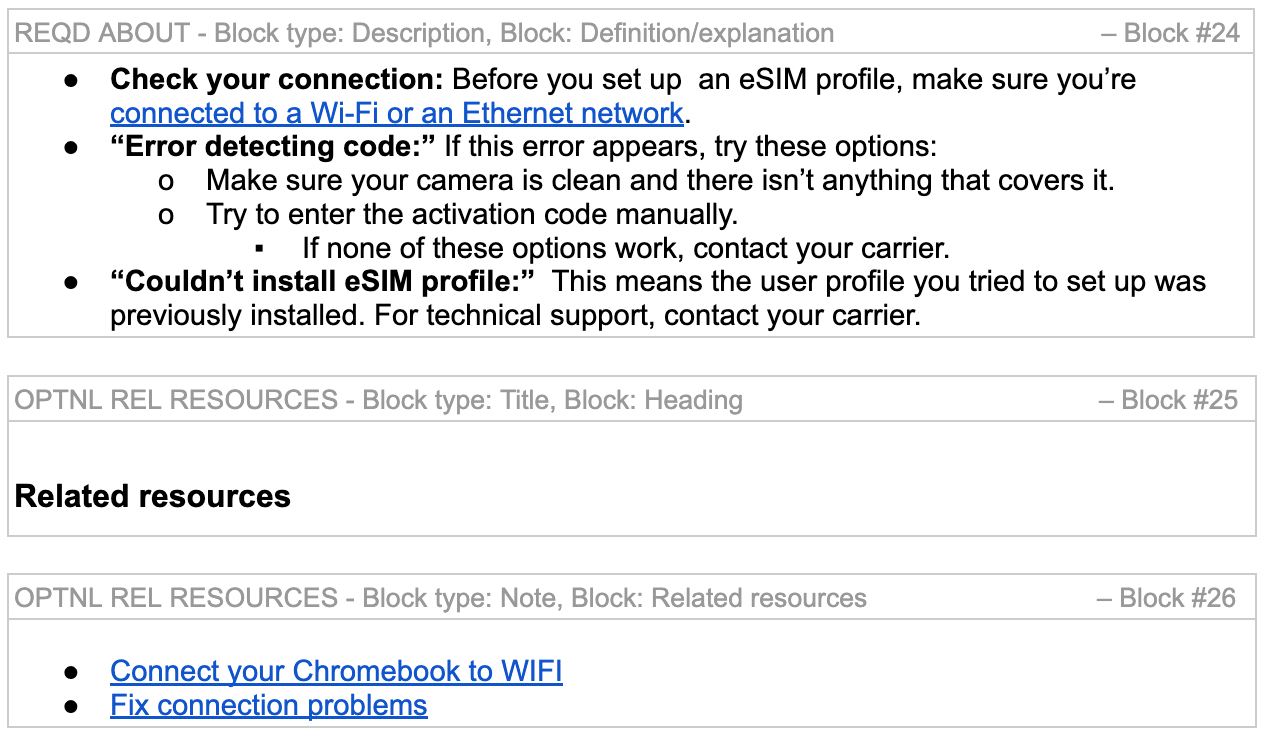
Interactive content is the type of content that engages the users of the help text to interact with other information sources or additional helper text to offer users more resources to provide the solution they are seeking. I therefore looked at:
- All the possible interactive content available
- Made sure to keep interactive content simple and easy
- Opted for goal-driven interaction content providing nothing more than the absolute minimum necessary content
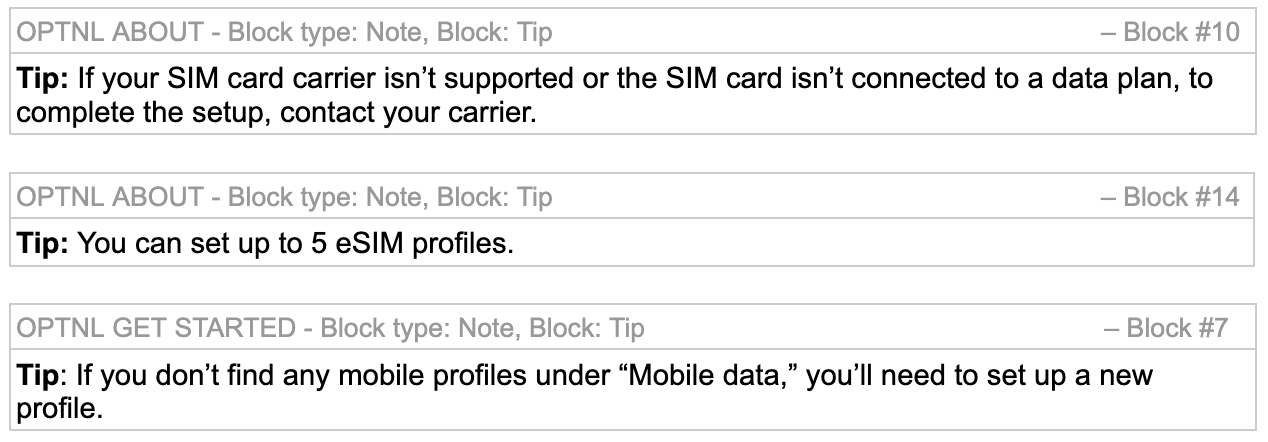
Step Five: Provide Quick Tips
Ideal step-by-step guidance copy should also include quick tips that may provide additional information to the user that are not part of the step-by-step guidance. Quick tips should be used to identify information that is helpful but not part of the solution journey.
FINAL RESULTS
In 2022, it is forecast that nearly 20 million Chromebooks were shipped globally. It is forecast that Chromebook shipments will account for 12.3 percent of total notebook shipments. The education market has been the primary market for Chromebooks, with the changes to the education system during the pandemic responsible for the surge in Chromebook shipments. With this amount of users Help Center text and microcopy is critical.